Laukey

Laukey




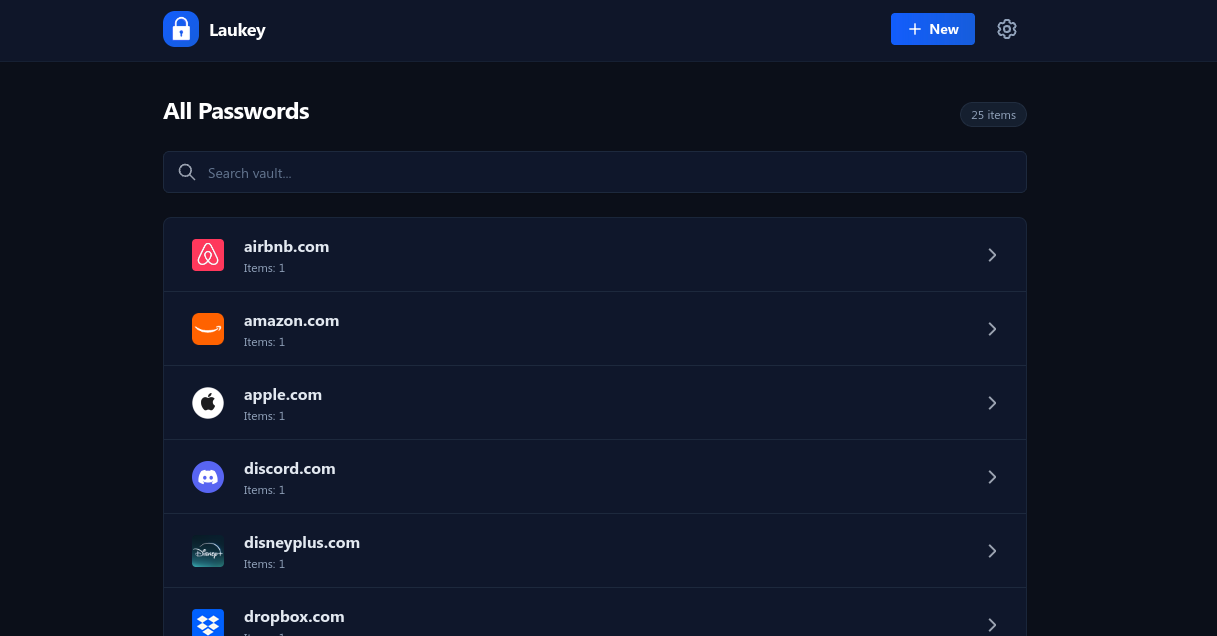
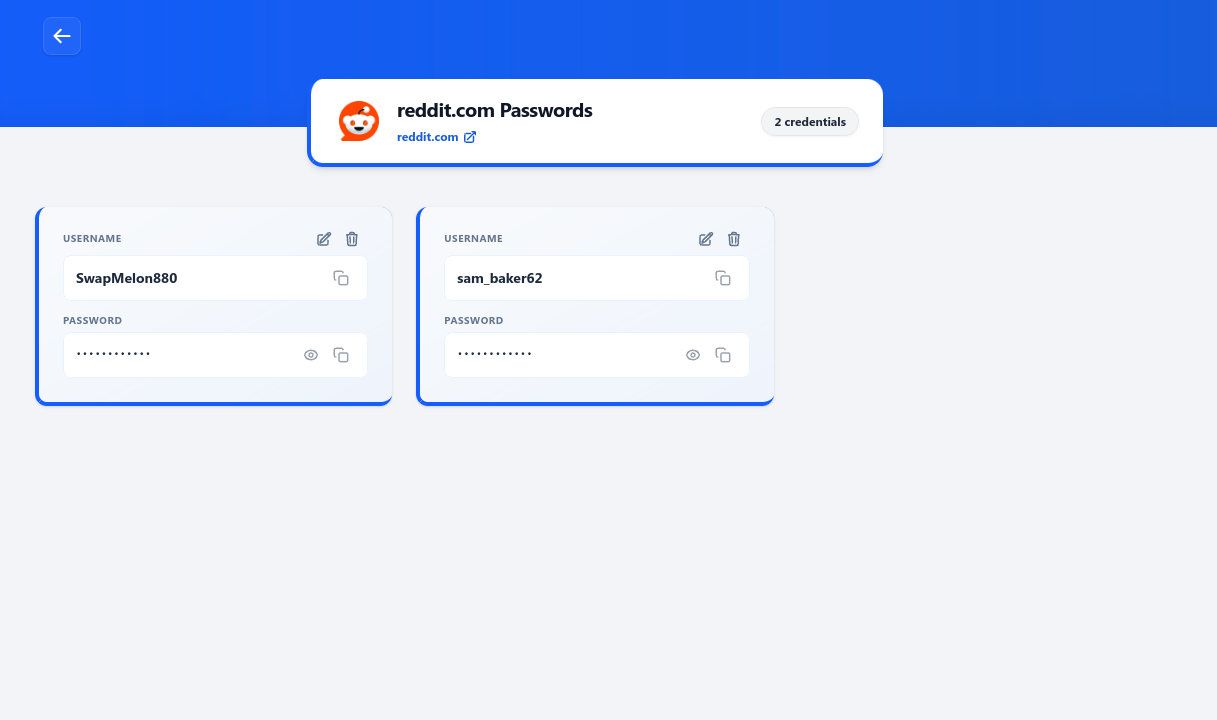
Laukey is a local-first password manager. All passwords are encrypted and stored locally. It supports importing passwords from other services, such as web browsers, and exporting them is also available. Additionally, it offers dark mode support for users who prefer that style.
✨ Screenshots
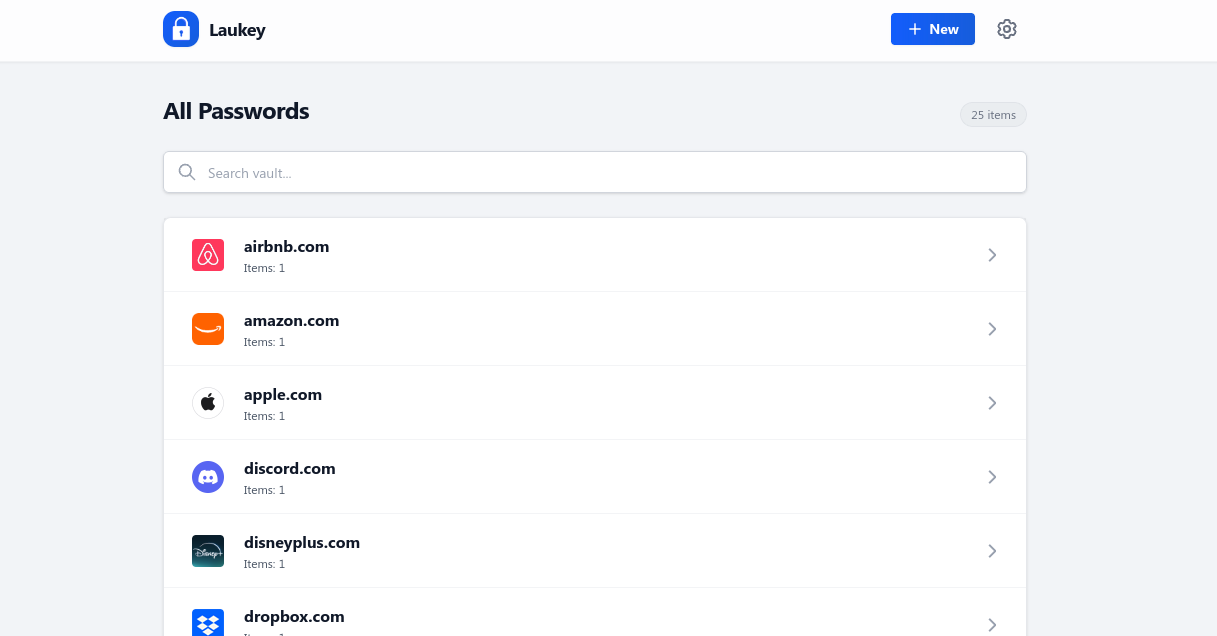
View more screenshots
✨ Installation
Laukey is available for Windows, Linux, and can also be built from source. If your operating system isn’t listed below, you can compile it yourself by following the From Source instructions.
For additional installation methods (such as .deb, .rpm, and other packages), visit the Releases page.
🪟 Windows
Download the latest Windows installer:
Need a different package? Check the Releases page for all available installation options.
🐧 Linux
For most users, the easiest way to install Laukey is by running the following command in your terminal. It will automatically download and set up the AppImage version.
curl -fsSL https://raw.githubusercontent.com/ERRORLY/Laukey/refs/heads/main/scripts/linux-install.sh | bashIf you prefer a different installation method (such as .deb or .rpm packages), you'll find them on the Releases page.
🛠️ Build from Source
If you'd like to compile Laukey yourself or customize the source code, run the following commands:
git clone https://github.com/ERRORLY/Laukey.git
cd Laukey
npm install
npm run tauri build
Once the build is complete, you'll find the generated executables in:
src-tauri/target/bundle/release✨ FAQs/Usage
Here are the most common question you might get while using bintoo, but if you have more problem that you wanna get answer for, join the discord server for further support.
What's the format of the CSV for importing passwords?
The CSV should look like this:
name,url,username,password,note
example.com,https://example.com,user123,mypassword,some note (can be empty)
This is the default format exported by most modern browsers and many password managers.
What if I forget my Master Password?
If you forget your master password, your encrypted passwords cannot be recovered. You will still be able to view unencrypted information such as website names, usernames, URLs, and notes, but the stored passwords cannot be decrypted without the correct master password.
✨ Contribution
Contributions, bug reports, and feature requests are welcome. Feel free to open an issue or submit a pull request.